Ford BlueCruise
Available feature on select vehicles. BlueCruise requires an active plan or trial – see ford.com/bluecruise for details. Terms apply. BlueCruise is a driver-assist feature and does not replace safe driving or driver’s attention, judgment, and need to control the vehicle. Only remove hands in a hands-free Blue Zone. Always watch the road and be prepared to resume control. See Owner’s Manual for details and limitations.
2027 Ford Expedition® Platinum® model with optional equipment and extra-cost color option shown.
BlueCruise Availability
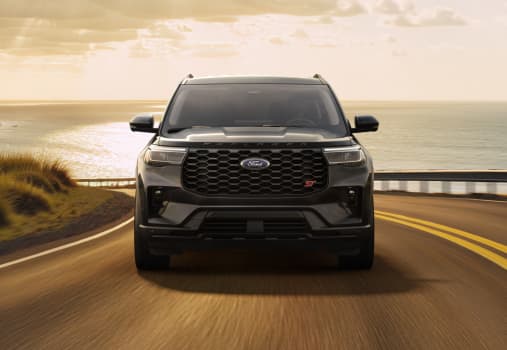
Explorer®
Available on: 2025-2027 Ford Explorer® ST-Line, ST, and Platinum™ and on 2026-2027 Tremor® models.*
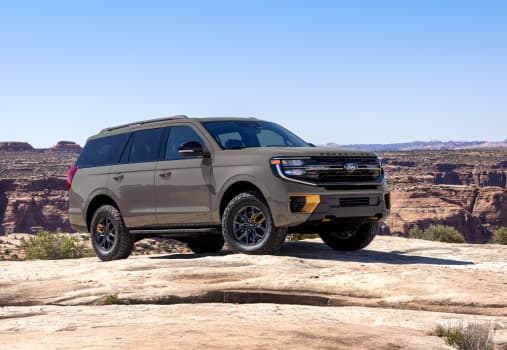
Expedition®
Available on: 2022 and newer Ford Expedition Platinum® and Platinum MAX and on select 2025-2027 Expedition models.*
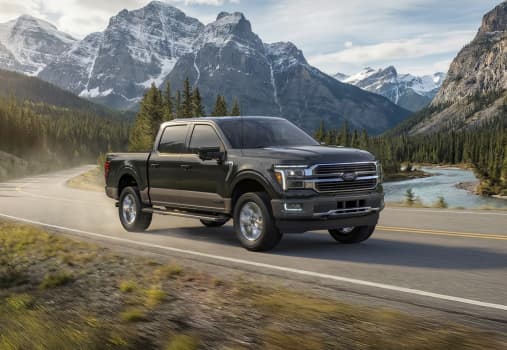
F-150®
Available on: 2021 and newer Ford F-150 XLT, Tremor®, Lariat®, King Ranch®, and Platinum® models.*
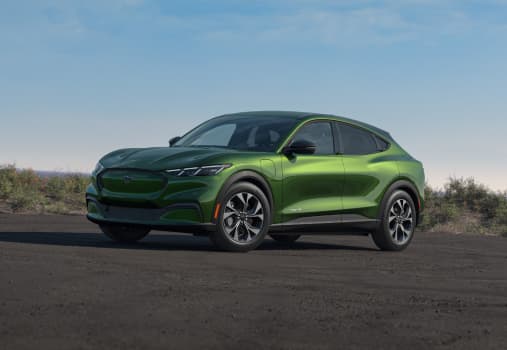
Mustang Mach-E®
Available on: All trims of 2021 and newer Mustang Mach-E SUVs.*
Using BlueCruise
How Does It Work?
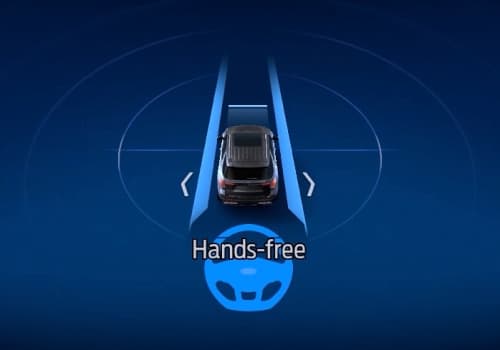
Welcome to The Blue Zone
When you enter a prequalified section of a divided highway — a Blue Zone — you’ll see a prompt on the instrument cluster letting you know BlueCruise is available and ready to assist.
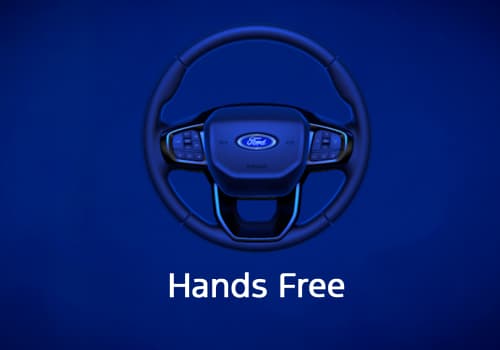
Let BlueCruise Assist
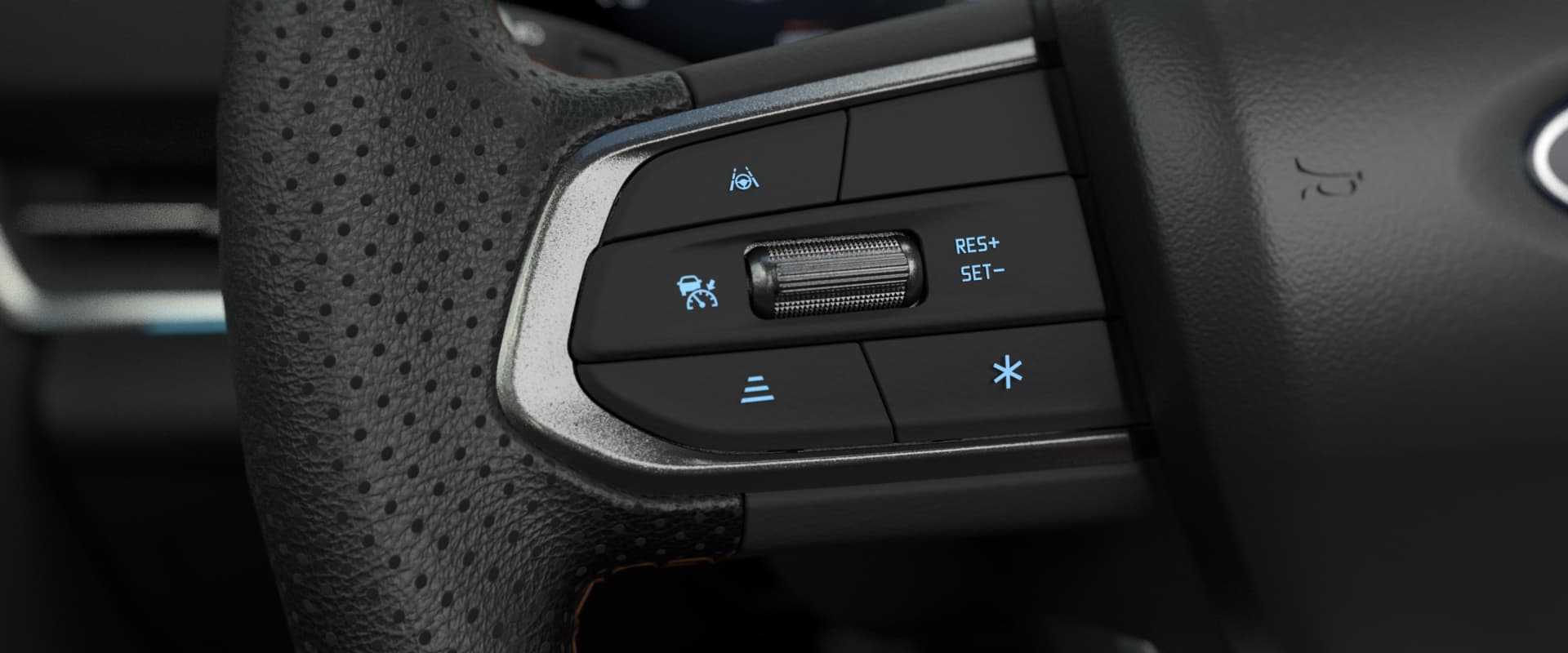
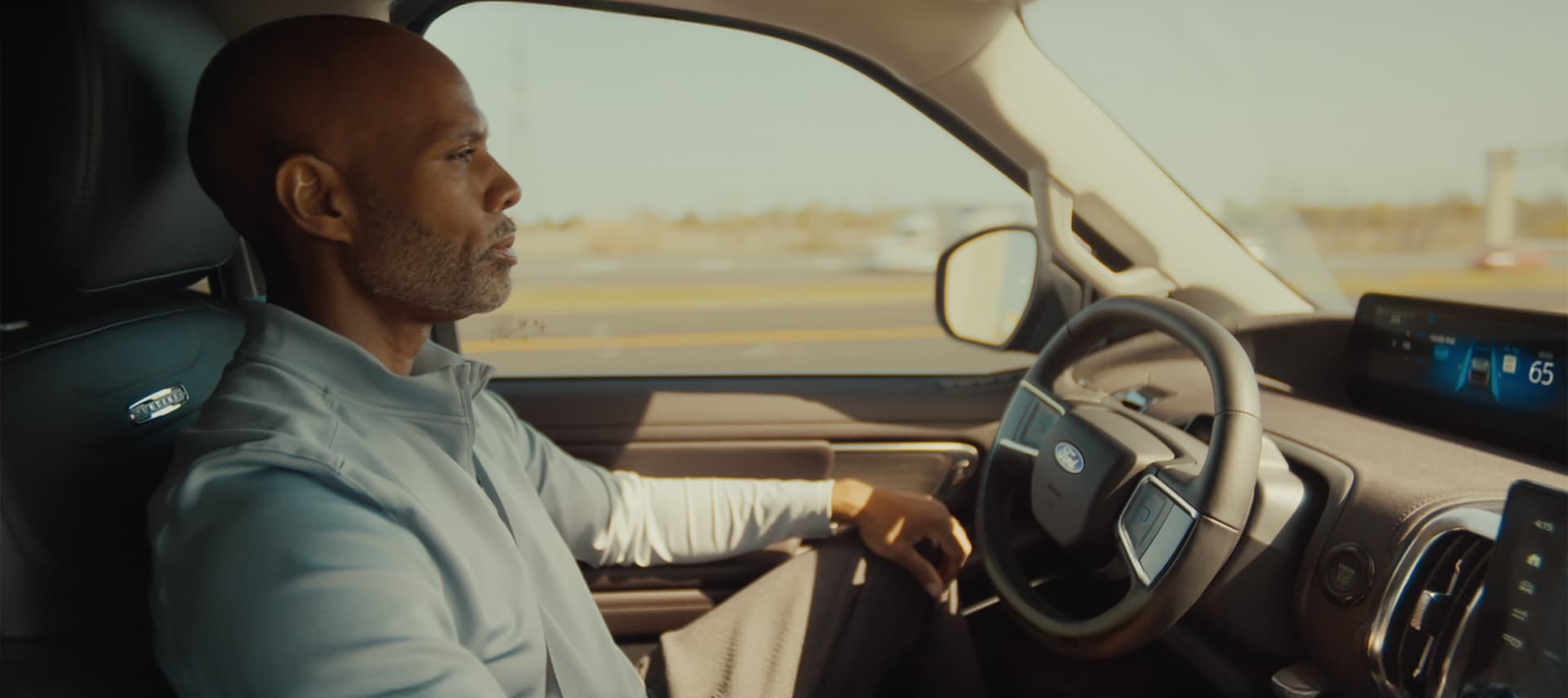
Simply tap the Adaptive Cruise Control* button on your steering wheel, make sure Lane-Keeping System** is on, and let BlueCruise assist while keeping your eyes on the road. The system helps control the steering, braking, and acceleration while keeping you centered in your lane — all without you ever touching your wheel. Designed with driver collaboration in mind, you can always take over and steer manually within the lane without BlueCruise disengaging.
Driver-assist features are supplemental and do not replace the driver’s attention, judgment, and need to control the vehicle. They do not make your vehicle autonomous or replace your responsibility to drive safely. Please only use if you will pay attention to the road and be prepared to take over at any time. See Owner’s Manual for details and limitations.
For optimal performance, Ford recommends keeping map data updated by fully activating the vehicle’s modem and enabling available embedded maps.
Driver-assist features are supplemental and do not replace the driver’s attention, judgment, and need to control the vehicle. They do not make your vehicle autonomous or replace your responsibility to drive safely. Please only use if you will pay attention to the road and be prepared to take over at any time. See Owner’s Manual for details and limitations.
Lane-Keeping System does not control steering.
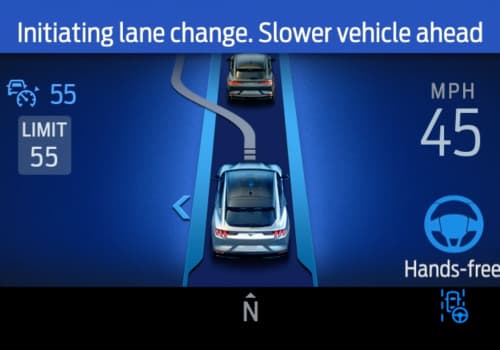
Feel the Magic of Letting Go
With BlueCruise engaged, you can switch lanes hands-free using Automatic Lane Change and enjoy extra room with In-Lane Repositioning, where your vehicle subtly shifts away from vehicles in adjacent lanes. Automatic Lane Change, if equipped, can make a hands-free lane change for you — without the need to touch the steering wheel or turn signal.*
Available feature on select vehicles. BlueCruise requires an active plan or trial – see ford.com/bluecruise for details. Terms apply. BlueCruise is a driver-assist feature and does not replace safe driving or driver’s attention, judgment, and need to control the vehicle. Only remove hands in a hands-free Blue Zone. Always watch the road and be prepared to resume control. See Owner’s Manual for details and limitations.
Download the Ford app and follow the prompts to add your vehicle and enable Connected Services by activating your vehicle's modem. Once your vehicle is added to your Ford app, activate BlueCruise within the Connected Services tile of the app.

Toggle on Adaptive Cruise Cruise Control with Lane Centering, Activation Prompts, and other features available for your vehicle like In-Lane Repositioning, Lane Change Assist, Automatic Lane Change if equipped and more.
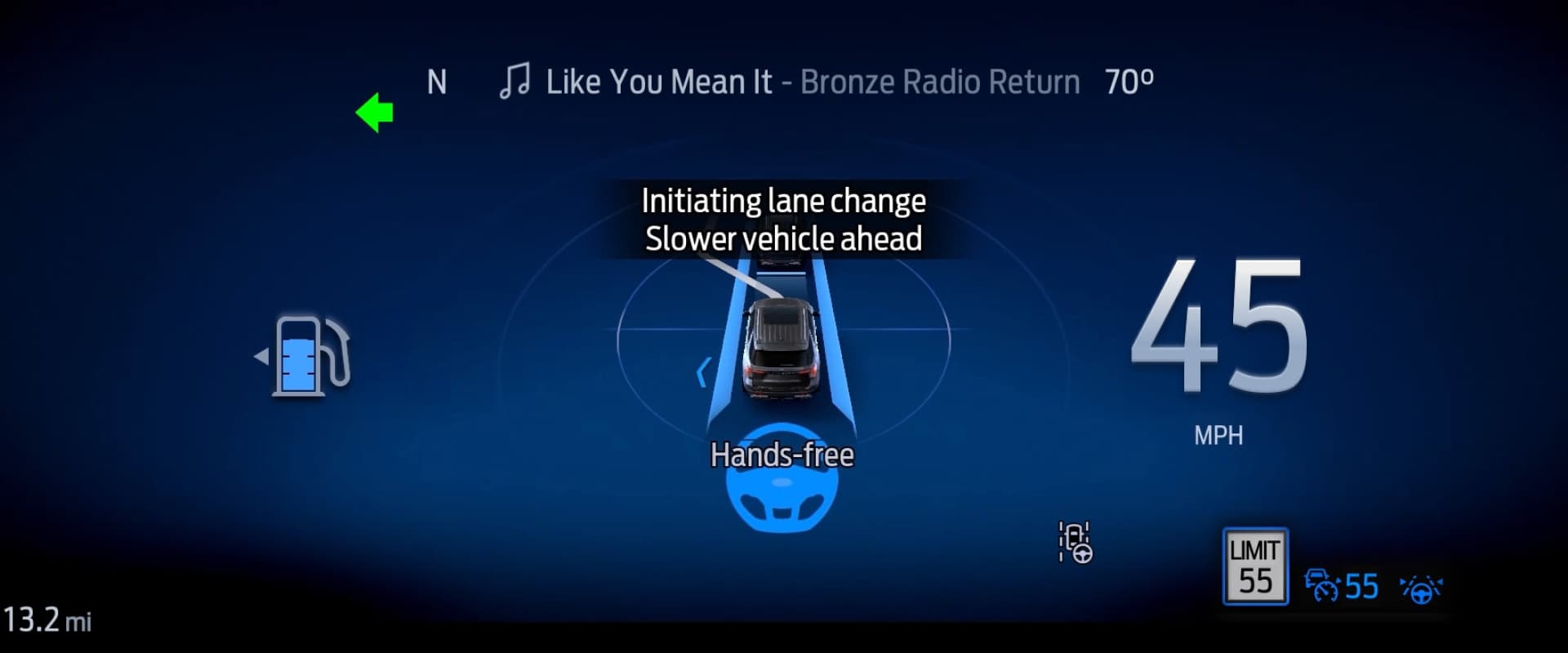
Simply tap the Adaptive Cruise Control* button on the steering wheel. Make sure the Lane-Keeping System is activated, and let BlueCruise assist.**
Driver-assist features are supplemental and do not replace the driver’s attention, judgment, and need to control the vehicle. They do not make your vehicle autonomous or replace your responsibility to drive safely. Please only use if you will pay attention to the road and be prepared to take over at any time. See Owner’s Manual for details and limitations.
For optimal performance, Ford recommends keeping map data updated by fully activating the vehicle’s modem and enabling available embedded maps.
Driver-assist features are supplemental and do not replace the driver’s attention, judgment, and need to control the vehicle. They do not make your vehicle autonomous or replace your responsibility to drive safely. Please only use if you will pay attention to the road and be prepared to take over at any time. See Owner’s Manual for details and limitations.
Lane-Keeping System does not control steering.